How I use AI in my design work
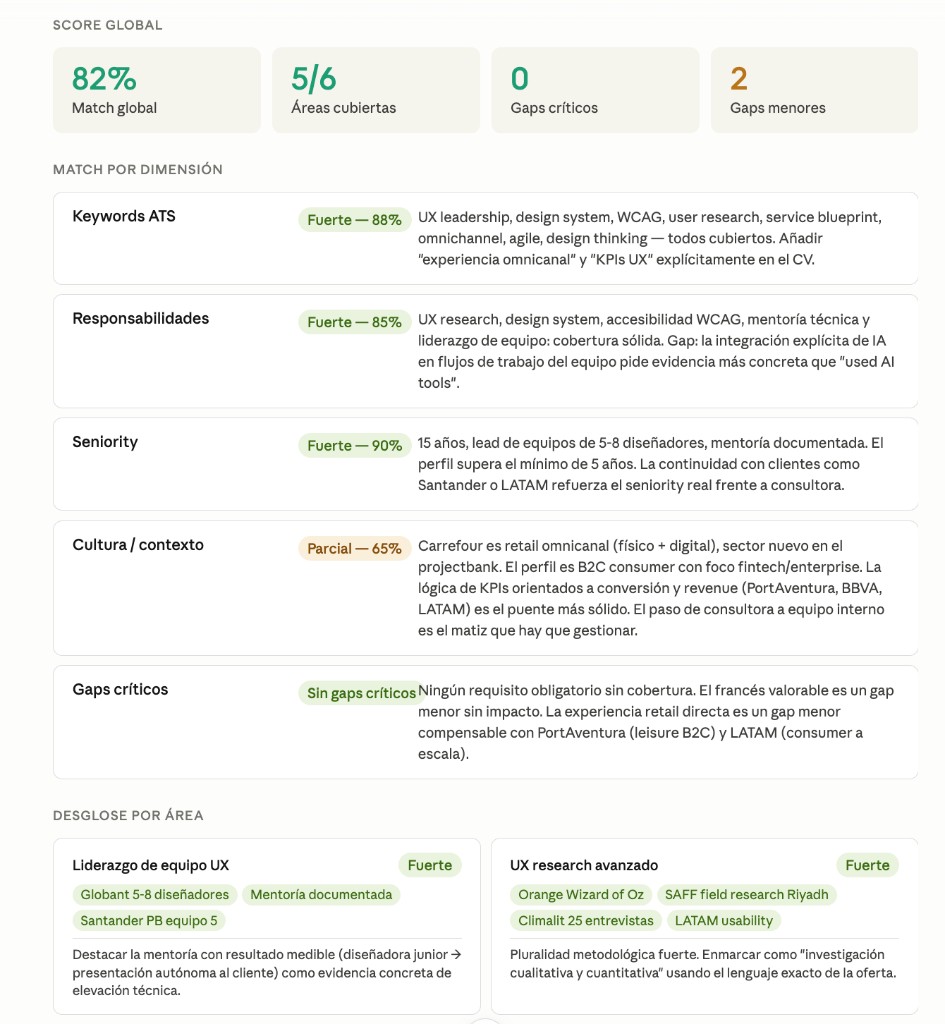
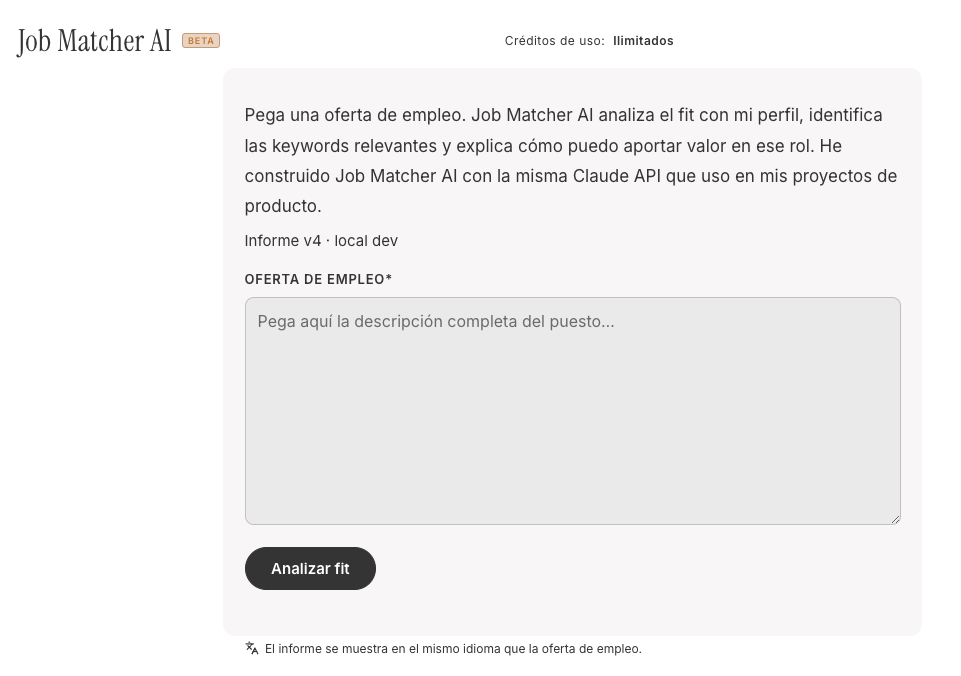
Beyond building AI products, I've restructured how I work as a designer around AI tooling. Not as a novelty, and not selectively. As a genuine layer of how I think and produce.
Optimizing the design workflow
The areas where AI has changed my day-to-day most concretely: research synthesis, turning interview notes and heuristic findings into structured insights in a fraction of the time; copy iteration, generating and stress-testing UX copy variants before they go into a prototype; design system documentation, which used to be the most tedious part of any DS project and now takes a third of the time; and stakeholder communication, preparing alignment materials and translating design decisions into business language faster and with less cognitive overhead.
The result isn't that I work less. It's that I spend more time on the decisions that actually require my judgment and less on the tasks that were just consuming it.
Building AI into the service value chain
The more interesting application, and the one I find myself thinking about most, is where AI belongs inside a product's value chain rather than just inside a designer's workflow.
There are two distinct positions worth distinguishing. AI as an intermediate layer, working between systems or processes to reduce operational friction, automate classification, flag anomalies, or accelerate decisions that currently require human time. The DORA compliance platform is a clear example: the AI doesn't replace the auditor, it compresses the time between a risk signal and a human decision.
AI's most consequential design decision isn't the interface, it's where the human boundary sits
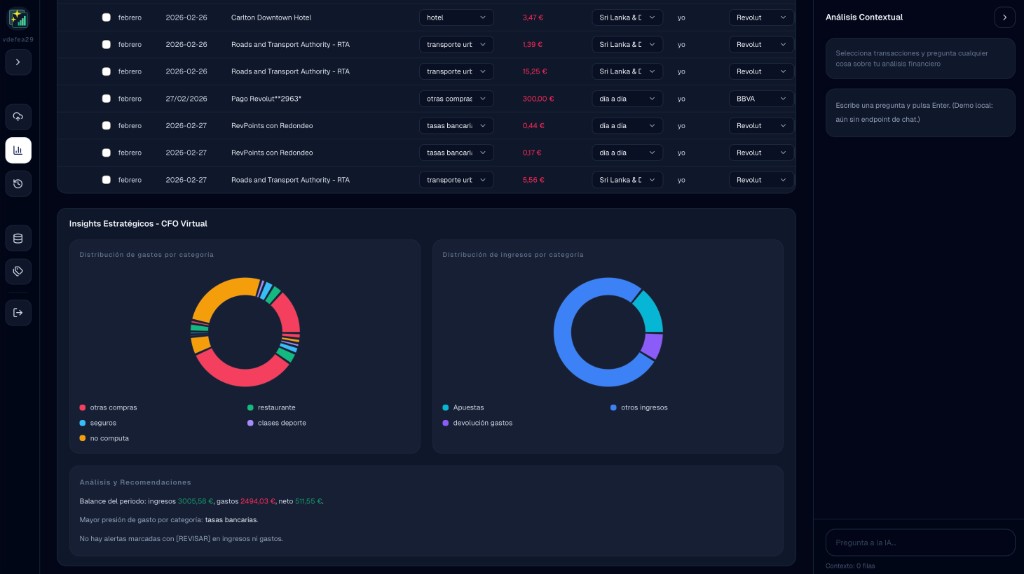
And AI as a user-facing solution, where the intelligence is the product. Contable AI Pro sits here. The user doesn't interact with a tool that has AI inside it. They interact with something that would be impossible without AI at its core.
Knowing which position makes sense for a given product, and designing the right human-AI boundary for each, is what I consider the most interesting design problem of this decade.